
Is your WordPress website taking too long to load? A slow website can frustrate visitors and make them leave before exploring your services.
Website speed is important for a smooth user experience. It can also affect your website’s SEO performance.
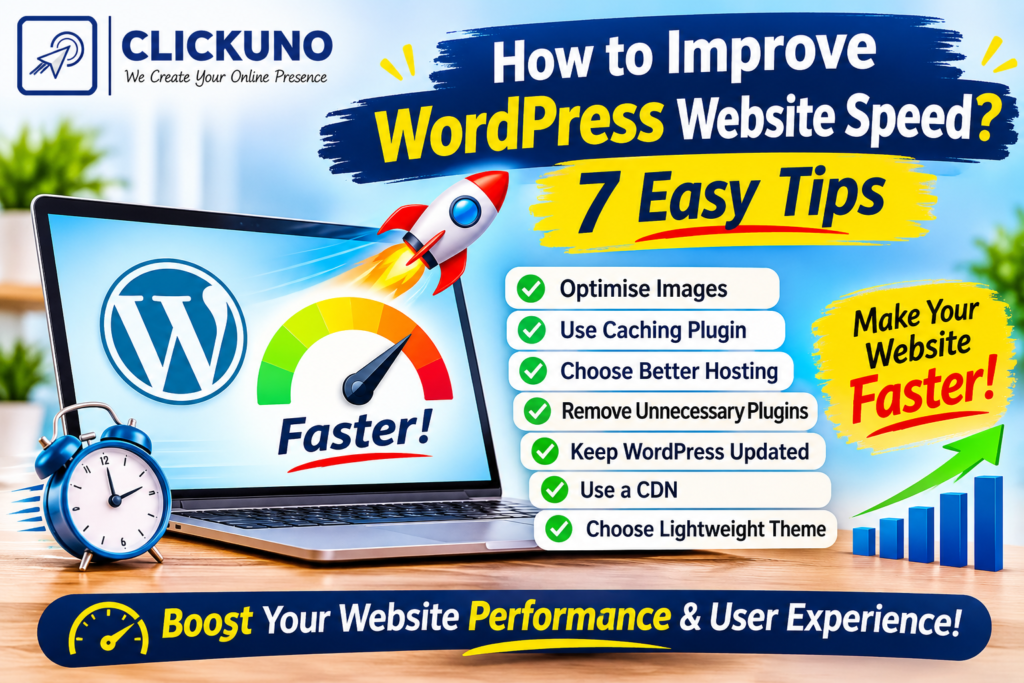
The good news? You can improve your WordPress website speed with a few simple steps.
Why Is Website Speed Important?
A fast-loading website helps visitors access information quickly and navigate easily. It can improve user experience, support SEO performance and encourage visitors to explore your website.
7 Easy Ways to Improve WordPress Website Speed
1. Choose Reliable Web Hosting
Your hosting server plays an important role in website performance. Choose reliable hosting with suitable resources for your website.
2. Optimise Images
Large image files can slow down your website. Compress images and use modern formats like WebP to reduce file size without noticeably affecting quality.
3. Use a Caching Plugin
Caching stores ready-to-load versions of your website pages. It reduces repeated processing and can help your website load faster.
4. Remove Unnecessary Plugins
Too many or poorly optimised plugins can affect website performance. Keep only the plugins your website actually needs.
5. Choose a Lightweight WordPress Theme
A heavy theme with unnecessary features and scripts can slow down your website. Choose a clean, lightweight and performance-friendly theme.
6. Keep WordPress Updated
Regularly update WordPress, themes and plugins. Updates can include performance improvements, bug fixes and security enhancements.
7. Use a CDN
A Content Delivery Network (CDN) helps deliver website content through servers closer to visitors, which can improve loading speed for users in different locations.
How to Check Your WordPress Website Speed?
You can test your website using Google PageSpeed Insights.
Simply enter your website URL to check its performance on mobile and desktop. The tool also provides suggestions to improve loading speed.
Final Thoughts
A fast WordPress website creates a better experience for visitors and supports your overall online presence. Regular speed testing and optimisation can help keep your website performing smoothly.
Need a fast and professional WordPress website?
Connect with ClickUno for WordPress Development, Ecommerce Development, Website SEO and other digital solutions.
🌐 Website: https://www.clickuno.in
Frequently Asked Questions (FAQs)
1. Why is my WordPress website loading slowly?
Large images, poor hosting, unnecessary plugins and heavy themes are some common reasons.
2. How can I check my website speed?
Use Google PageSpeed Insights to check your website’s mobile and desktop performance.
3. Do images affect WordPress website speed?
Yes. Large, unoptimised images can increase loading time. Compressing images can help improve performance.
4. Does website speed affect SEO?
Yes. Website speed and page experience are among the factors considered in Google’s search systems. Good performance can support a better user experience.