
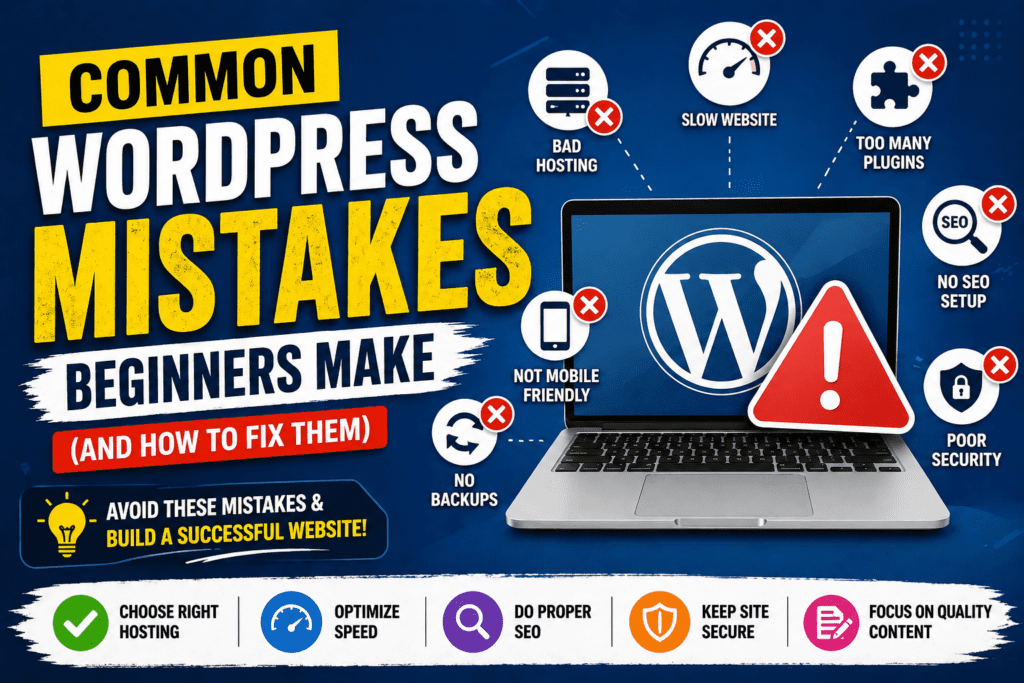
Starting with WordPress is exciting but beginners often make small mistakes that can seriously affect website performance, security, and growth.
If you’re building your first WordPress website, avoiding these common mistakes can save you time, money, and frustration.
❌ 1. Choosing the Wrong Platform (WordPress.com vs WordPress.org)
One of the most common beginner mistakes is confusion between the two platforms.
👉 Many beginners start with WordPress.com
👉 But WordPress.org (self-hosted) gives full control and flexibility
✔️ Solution:
- Use self-hosted WordPress for business or professional websites
- It allows full customization with plugins and themes
❌ 2. Selecting Cheap or Poor Hosting
A slow website leads to poor user experience and lower rankings 😐
✔️ Solution:
- Choose reliable and fast hosting
- Look for good uptime and support
- Avoid extremely cheap hosting plans
❌ 3. Installing Too Many Plugins
“More plugins = better website” is a myth ❌
👉 Too many plugins can slow down your site and create security risks
✔️ Solution:
- Install only essential plugins
- Delete unused plugins regularly
❌ 4. Ignoring Website Speed
A slow website can drive visitors away instantly 😳
✔️ Solution:
- Compress images before uploading
- Use caching plugins
- Choose lightweight themes
❌ 5. Not Setting Up SEO
Without SEO, your website won’t appear in search results ❌
✔️ Solution:
- Use SEO plugins (like Rank Math or Yoast)
- Add proper titles, meta descriptions, and keywords
- Use internal linking
❌ 6. Ignoring Mobile Optimization
Over 70% of users browse from mobile devices 📱
✔️ Solution:
- Use responsive themes
- Always test your site on mobile before publishing
❌ 7. Not Taking Regular Backups
What if your website crashes or gets hacked? 😨
✔️ Solution:
- Take regular backups (weekly or daily)
- Use automatic backup plugins
❌ 8. Not Changing Default Settings
Basic settings like permalinks, site title, and timezone matter for SEO
✔️ Solution:
- Set permalink structure to “Post Name”
- Optimize your site title and tagline
❌ 9. Ignoring Website Security
WordPress is secure, but only if you follow best practices
✔️ Solution:
- Use strong passwords
- Install a security plugin
- Change default login URL
❌ 10. Not Focusing on Content Quality
A website without quality content won’t grow ❌
👉 Content is what drives traffic
✔️ Solution:
- Create helpful, original, and engaging content
- Post regularly
- Focus on user intent
WordPress is easy but using it the right way is what makes the difference. You can learn WordPress Online Course in Ghaziabad
👉 Small mistakes can slow down your growth
👉 Smart strategies can turn your website into a powerful asset